Interactive demo
Try checkout, product modifiers and table management before requesting a quote.
Orders, tables, kitchen and reports — with local operation that keeps running without Internet.
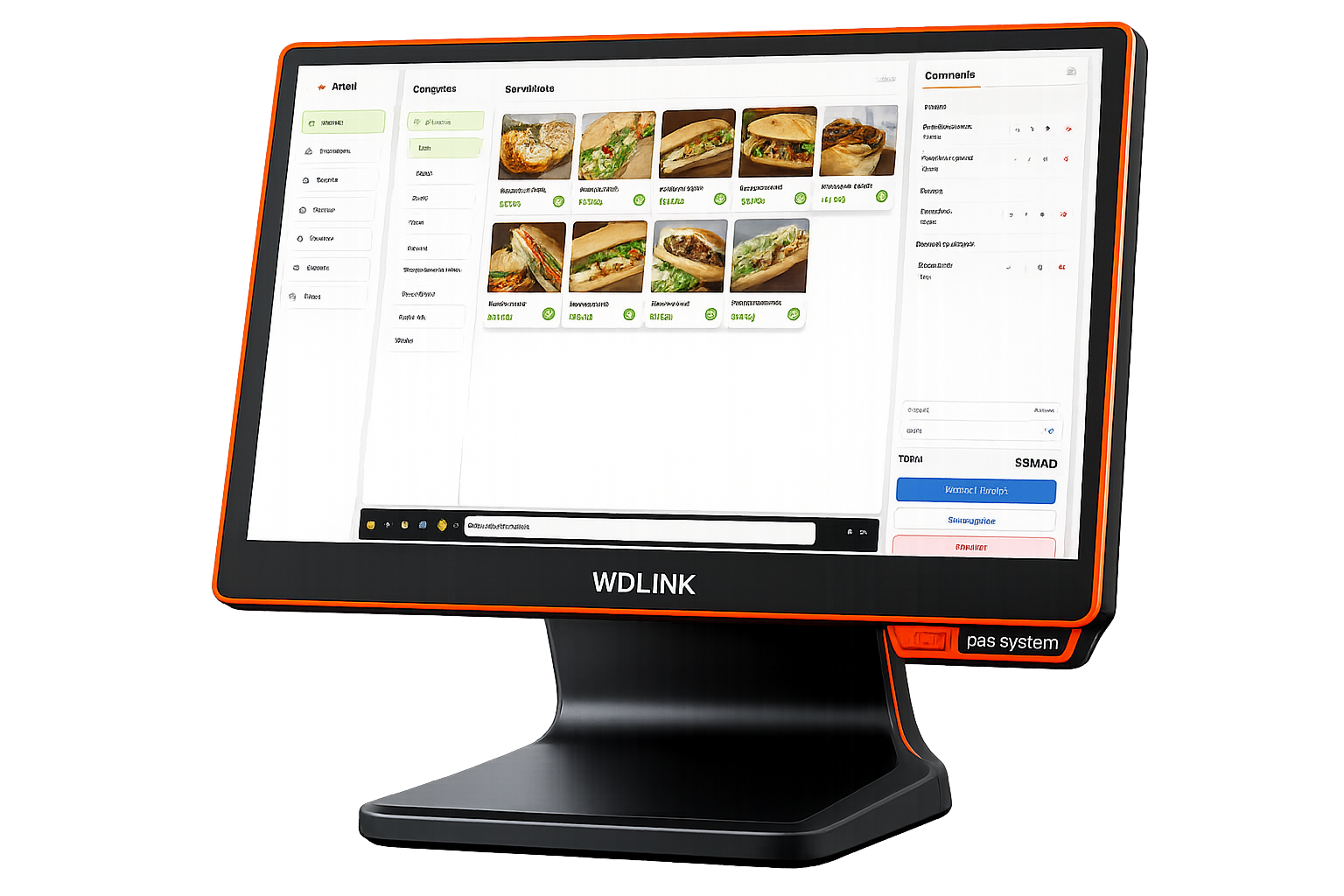
Checkout, snack modifiers and tables — directly in AYALI.
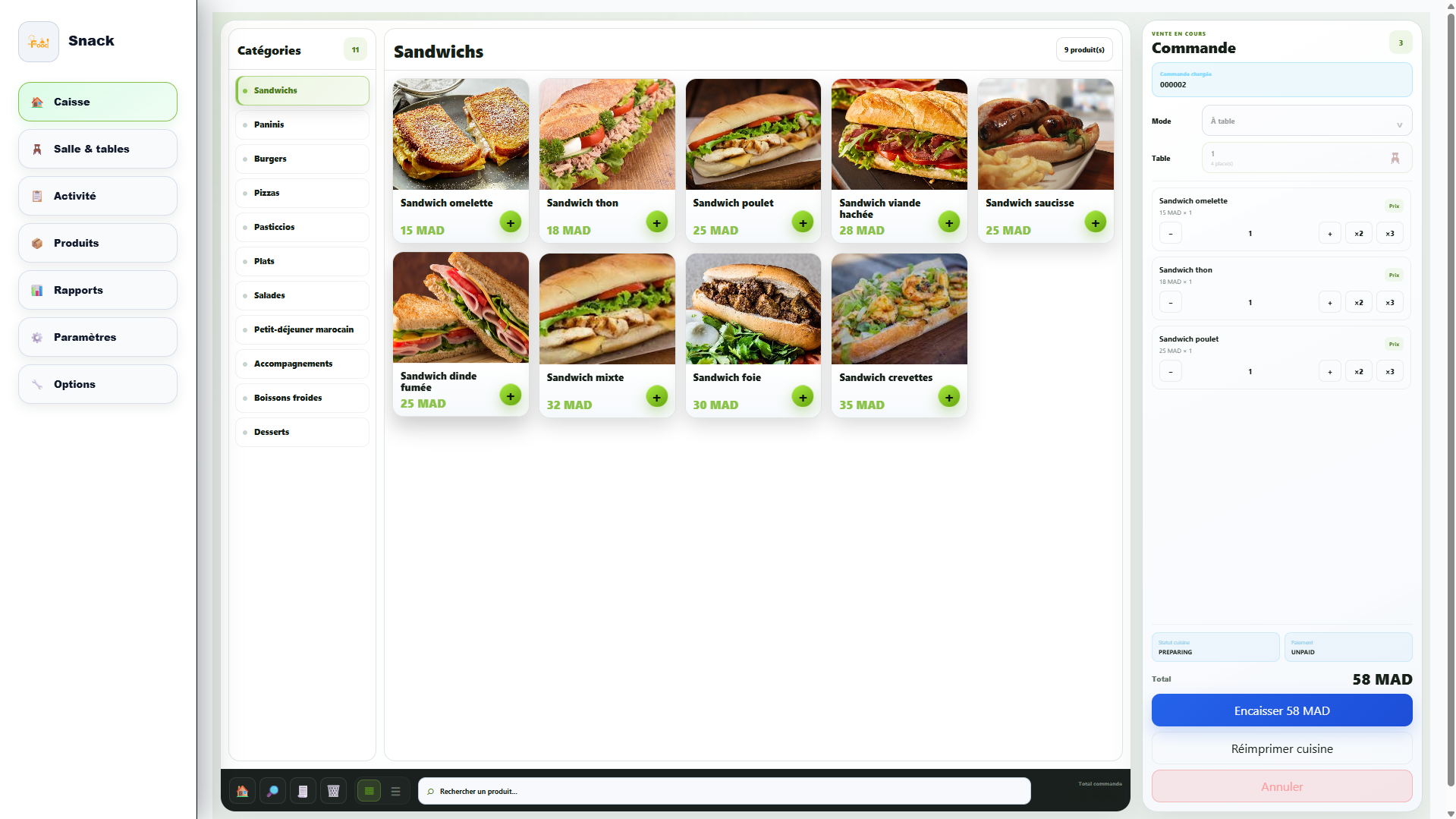
Products, basket and payment on one screen.
AYALI is in its launch phase. Rather than showing testimonials we cannot yet document, we show you the product, the hardware and exactly what the quote covers.
Demo · real interfaces · detailed quoteTry checkout, product modifiers and table management before requesting a quote.
The interfaces shown on the website come from AYALI itself, not from a generic mockup.
The WDLink WD980 i5 terminal, WD8260 printer and cash drawer are named before purchase.
The final proposal specifies hardware, software, installation, onboarding and selected options.
The useful actions stay front and center.
Categories, quantities, sauces, extras and notes stay attached to the order through to the kitchen ticket.
01Link a sale to a table, resume it later and keep shifts, voids and reasons available in history.
02Core operations remain local while sales, products, categories and teams stay readable in reports.
03Screens and workflows adapt to your service.
For fast, highly customized orders.
For counter service, tables and staff tracking.
For floor organization, preparation and billing.
WDLink terminal, printer and drawer prepared for AYALI.
The main terminal for service and checkout.
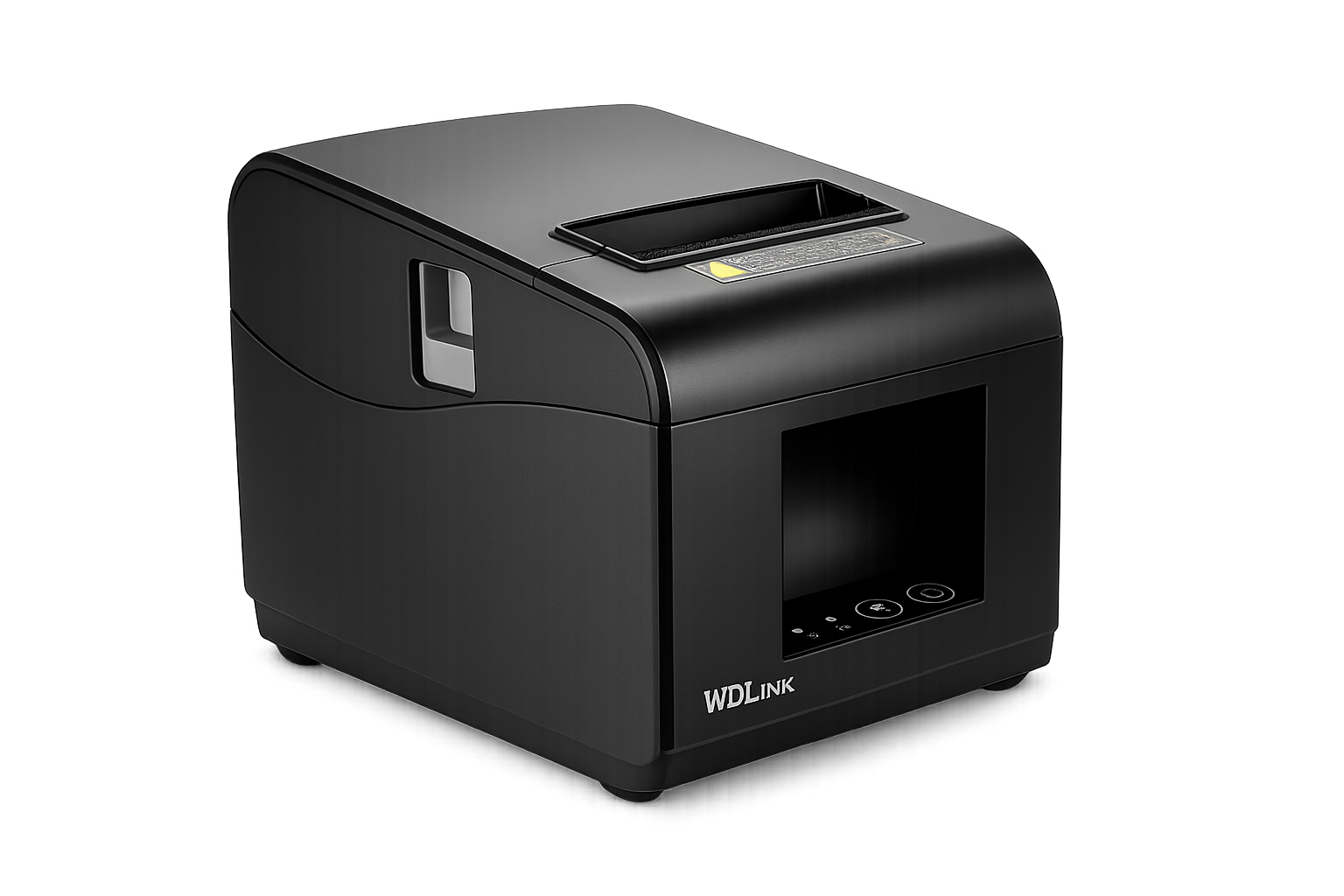
Customer tickets and preparation slips.
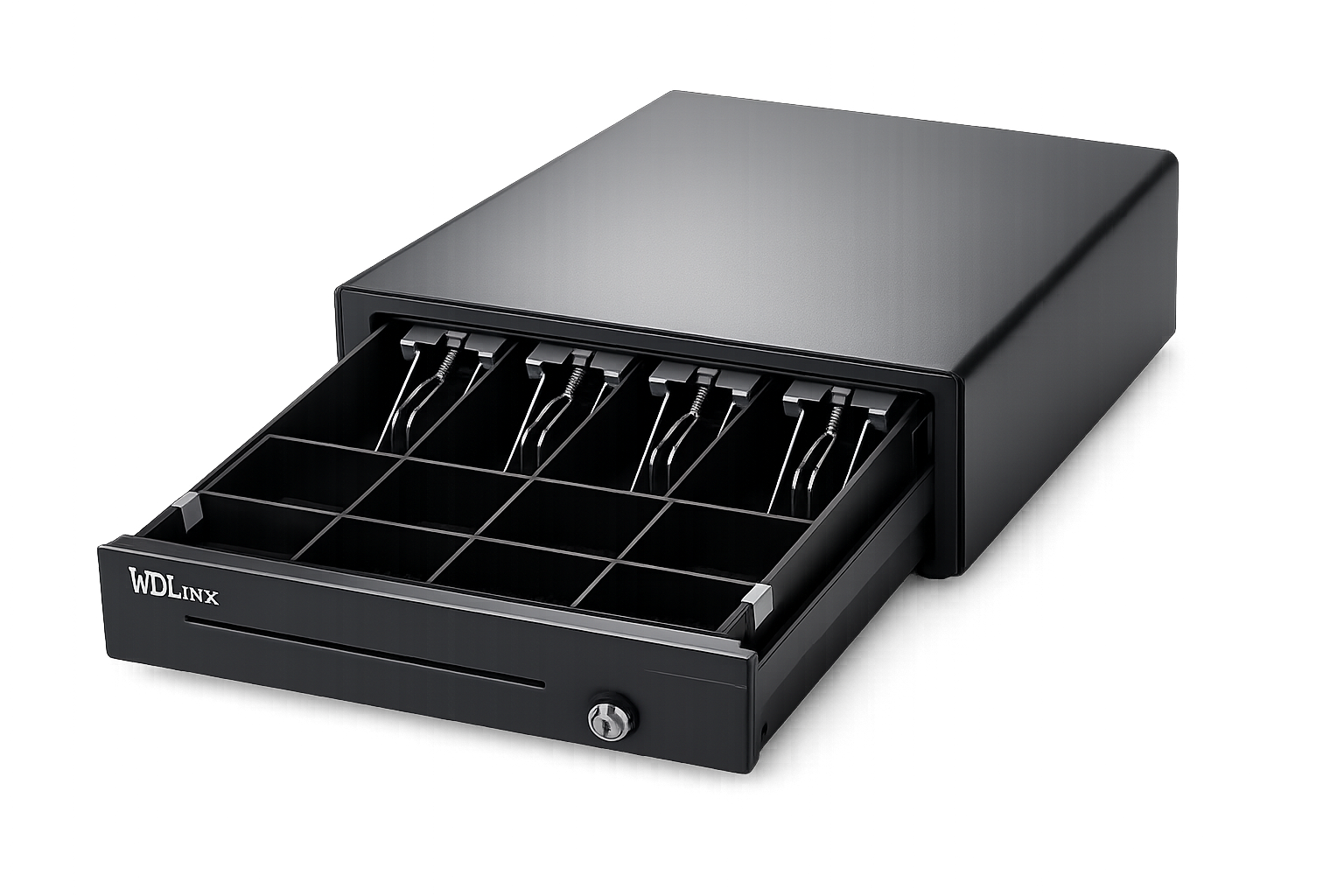
Cash compartments with keyed lock.
Hardware, software, setup and onboarding according to the plan.
Clear public starting prices. The final quote is adjusted to station count, selected hardware and options.
Equip the counter with a professional hardware base.
Access synchronized data and remote services included in your plan.
A complete AYALI station prepared for your menu and operation.
Run AYALI on compatible Windows hardware you already own.
Menu, WhatsApp, location, languages and Google visibility: the essentials to be found and contacted.
Checkout keeps running on site. Cloud adds remote visibility.
Service remains available on the station.
View the data included in your plan remotely.
We prepare the rollout with you.
We review your venue, menu and workflow.
You test workflows that match your service.
Products, modifiers, tables and users are prepared.
The station is deployed and the team learns AYALI.
Yes. Core checkout operations are designed to run locally. Cloud functions depend on the plan and resume when connectivity is available.
Yes. Software-only deployment can be offered after checking your Windows hardware, printer and peripheral compatibility.
The Hardware Pack covers equipment. The Turnkey Pack combines hardware, AYALI software, configuration and the rollout defined in the quote.
AYALI Local runs core operations on the venue station. AYALI Cloud adds remote services and synchronization according to the subscription.
Yes. Categories, products, sizes, sauces, extras, notes and sales rules can be prepared around your menu.
Yes. The website is available in French, Arabic and English. Product language and deployment requirements are confirmed during the demo.
Tell us about your venue, current hardware and desired station count to receive a relevant demo.
Your name, WhatsApp and venue type are enough to get started.
Your contact details are used only to respond to your request.